Cost for finance
Savings the bill confirms, cost that belongs to teams, months you can close and book, commitments that don't end unnoticed, cost per unit of business, and your cloud's emissions.
Everything here reads the cost from the cost sources you connect, and nothing changes anything in your clouds. Proven savings and the reporting currency are on every plan; cost centers, month close, spend commitments and unit costs are on the Team and Enterprise plans.
Savings the bill confirms
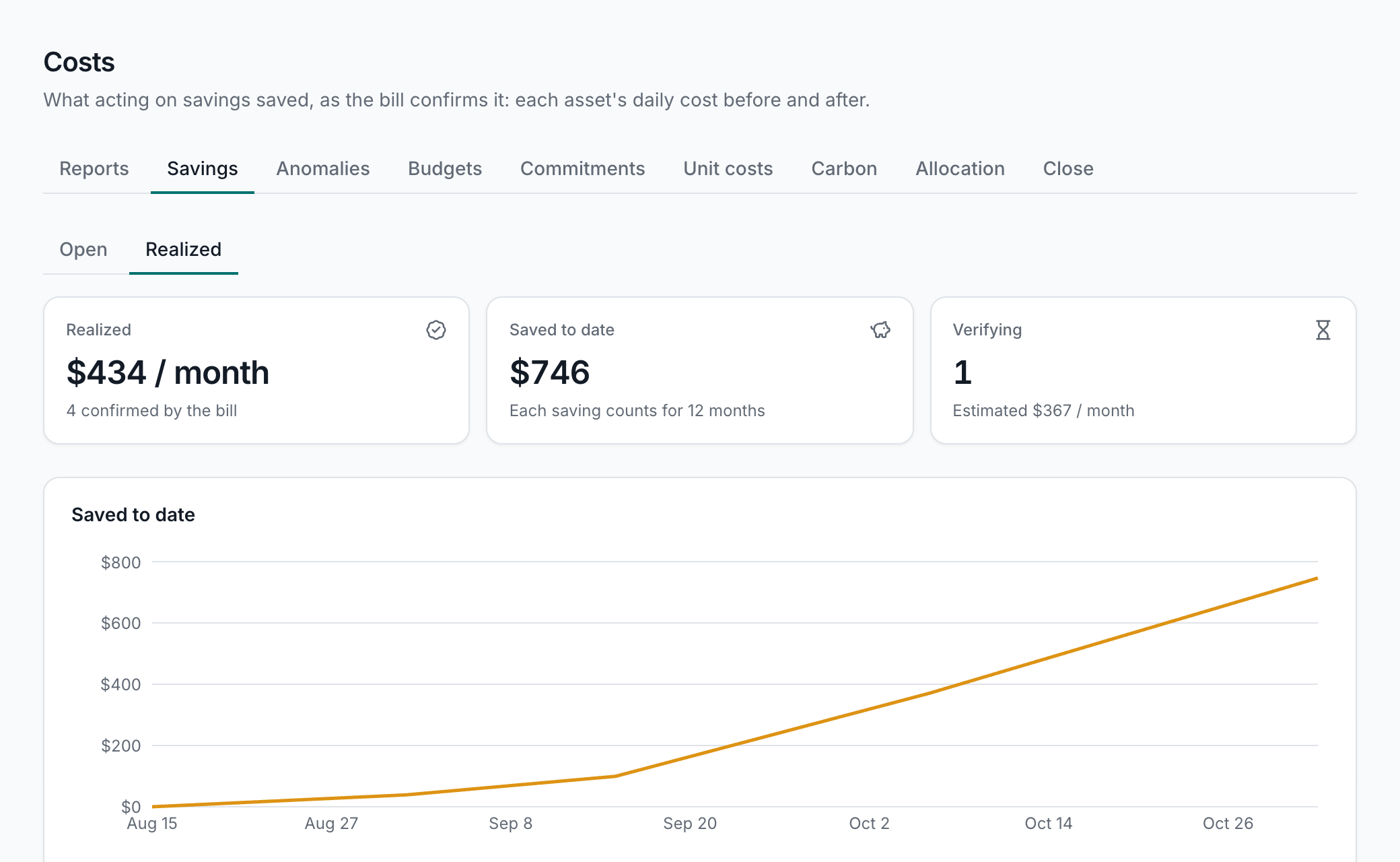
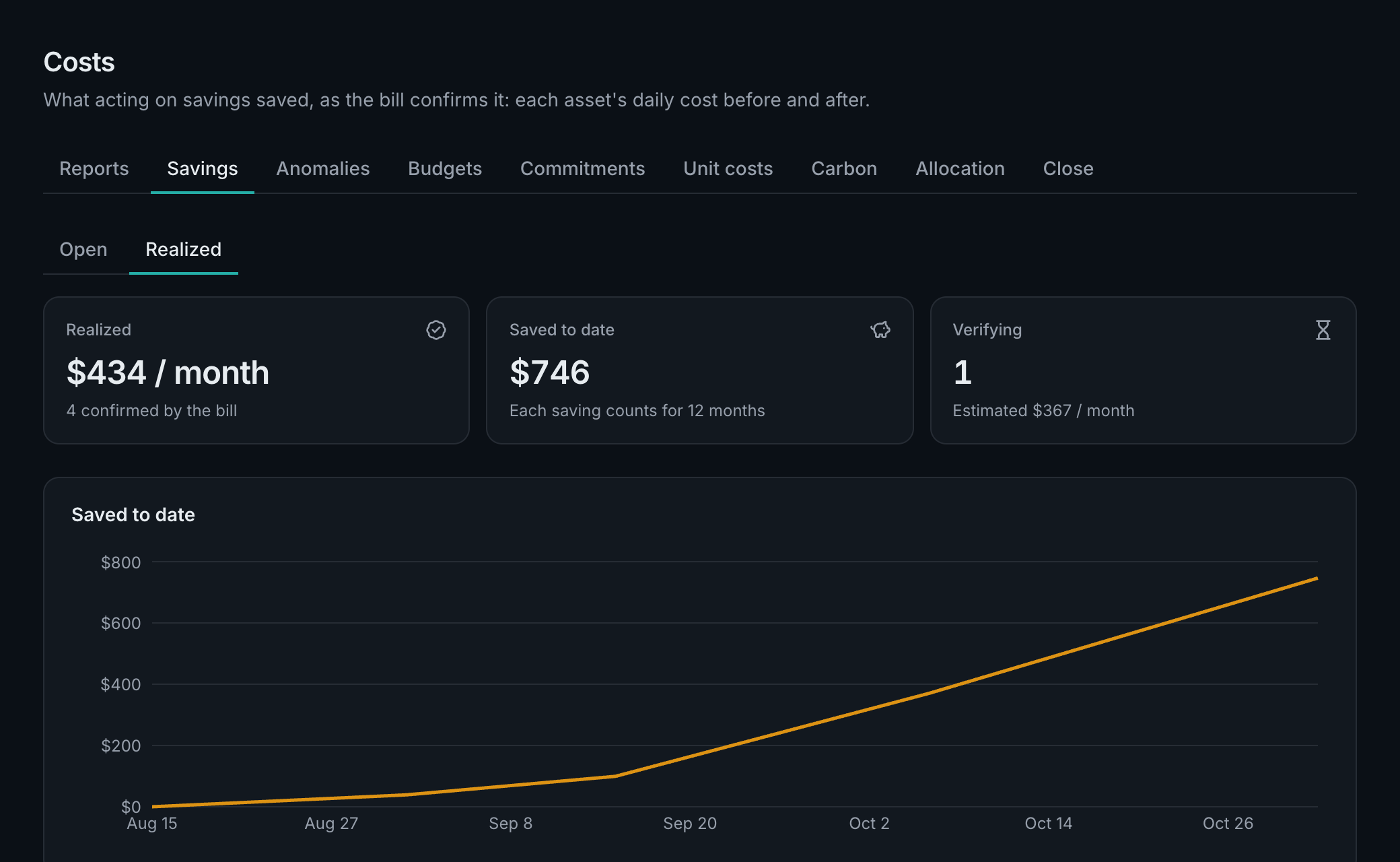
Every savings opportunity is kept from the day it's found: who it's assigned to, and the day it leaves the list. After 14 more days of cost, AssetHermit compares the resource's daily cost before with its cost after, and calls the difference realized only when the bill shows it. A realized saving counts for 12 months. A monthly value summary, and one before a trial ends, says what was found, acted on and realized.
Reporting currency
A workspace admin picks the currency reports show, one of 30 with a European Central Bank reference rate, such as EUR, GBP and SEK. Each row converts at its own day's rate; a row billed in that currency keeps its amount. Savings, anomalies and budgets stay in US dollars.
Cost centers and allocation
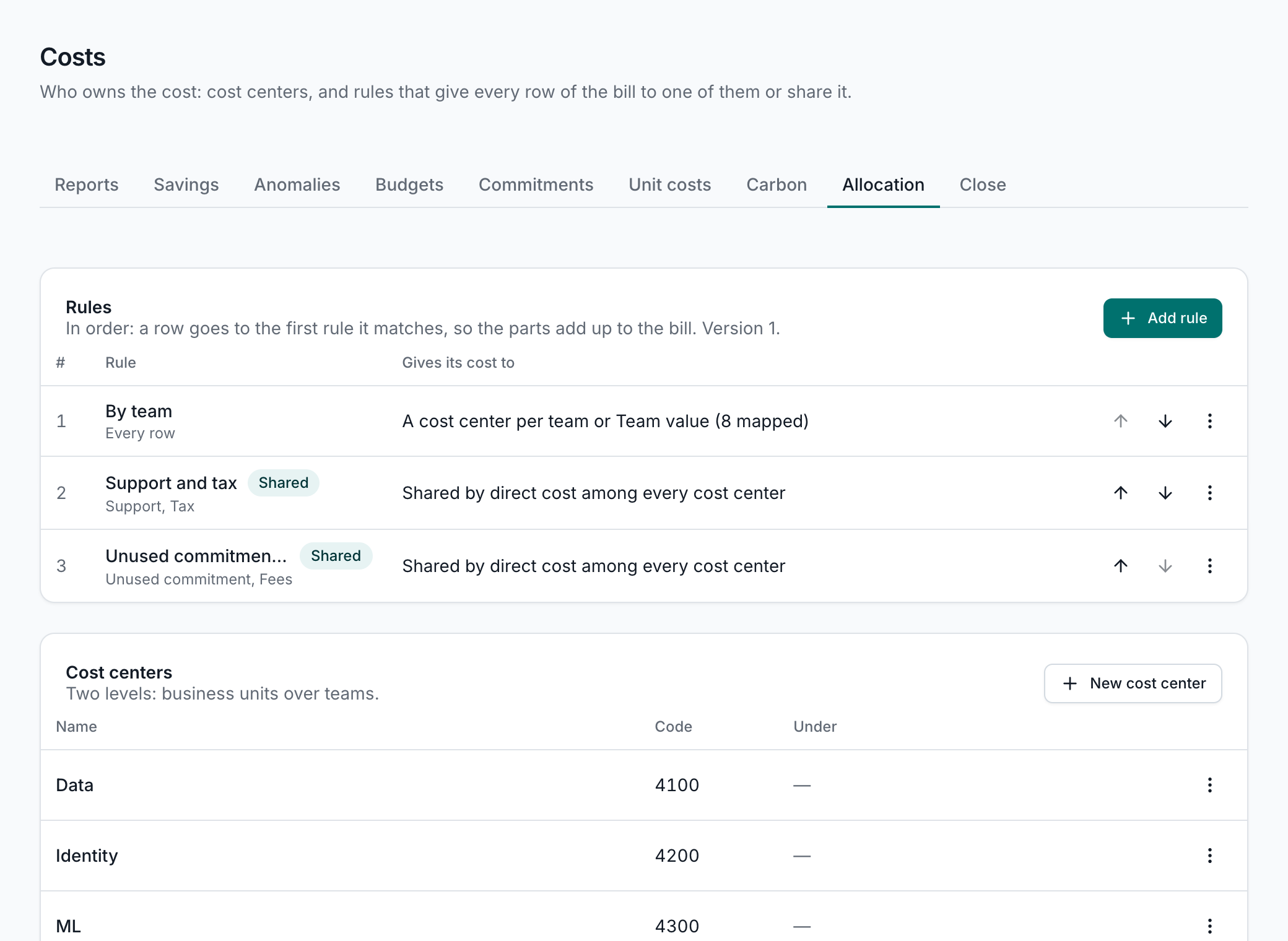
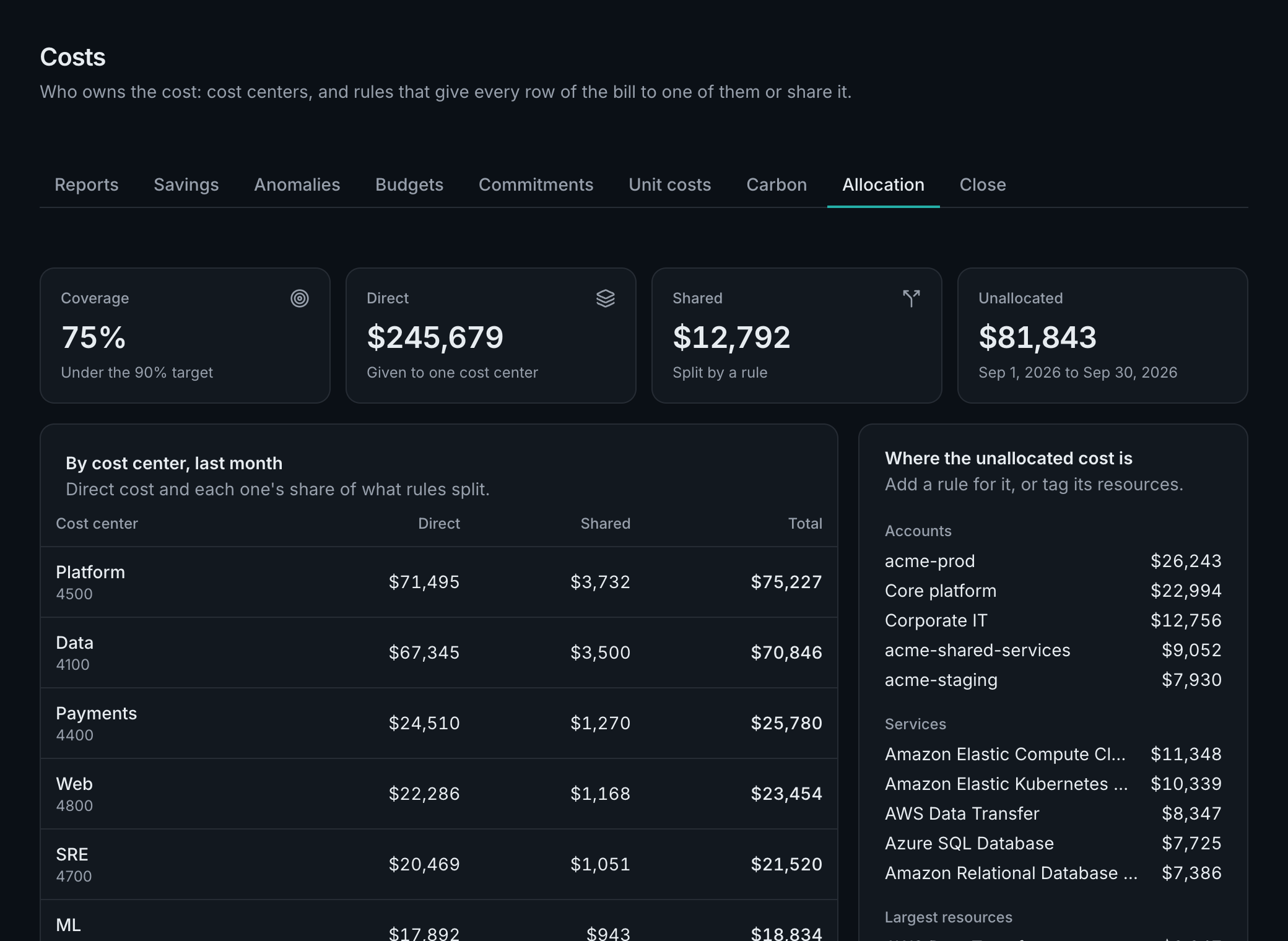
Cost centers are your teams, products or business units, with the code your books use. Allocation rules, the first that matches wins, give each cost row to one cost center, by account, organizational unit, service, region, charge type, tag (with aliases, so team, Team and owner count as one) or asset group. Shared cost, such as support, tax or a platform account, splits evenly, by fixed shares, or in proportion to each cost center's direct cost that day. What no rule takes is Unallocated, so the parts always add up to the bill.
- Reports and budgets group and filter by cost center.
- Coverage says how much of the bill has an owner, and which untagged resources cost the most.
- Suggestions start you from what the bill already says: a tag's values, your organizational units, accounts.
Month close
Once a month's cost stops changing, an admin closes it. Each cost center's statement and the month's journal (a CSV by cost center code and GL account) are frozen, and each cost center's owners get their statement, whatever their role. A provider's later restatement of a closed month is booked once, as an adjustment in the next open month.
Commitments and contracts
Every savings plan, reservation and committed use discount your bill names, with how much of it was used, when it ends, and its expiry cliff: what its covered usage of the last 30 days would cost a month more at on-demand list prices once it ends. You're told 90, 30 and 7 days before an end, and when one stays under 80% used for a week. Business reviews list what ends within 180 days.
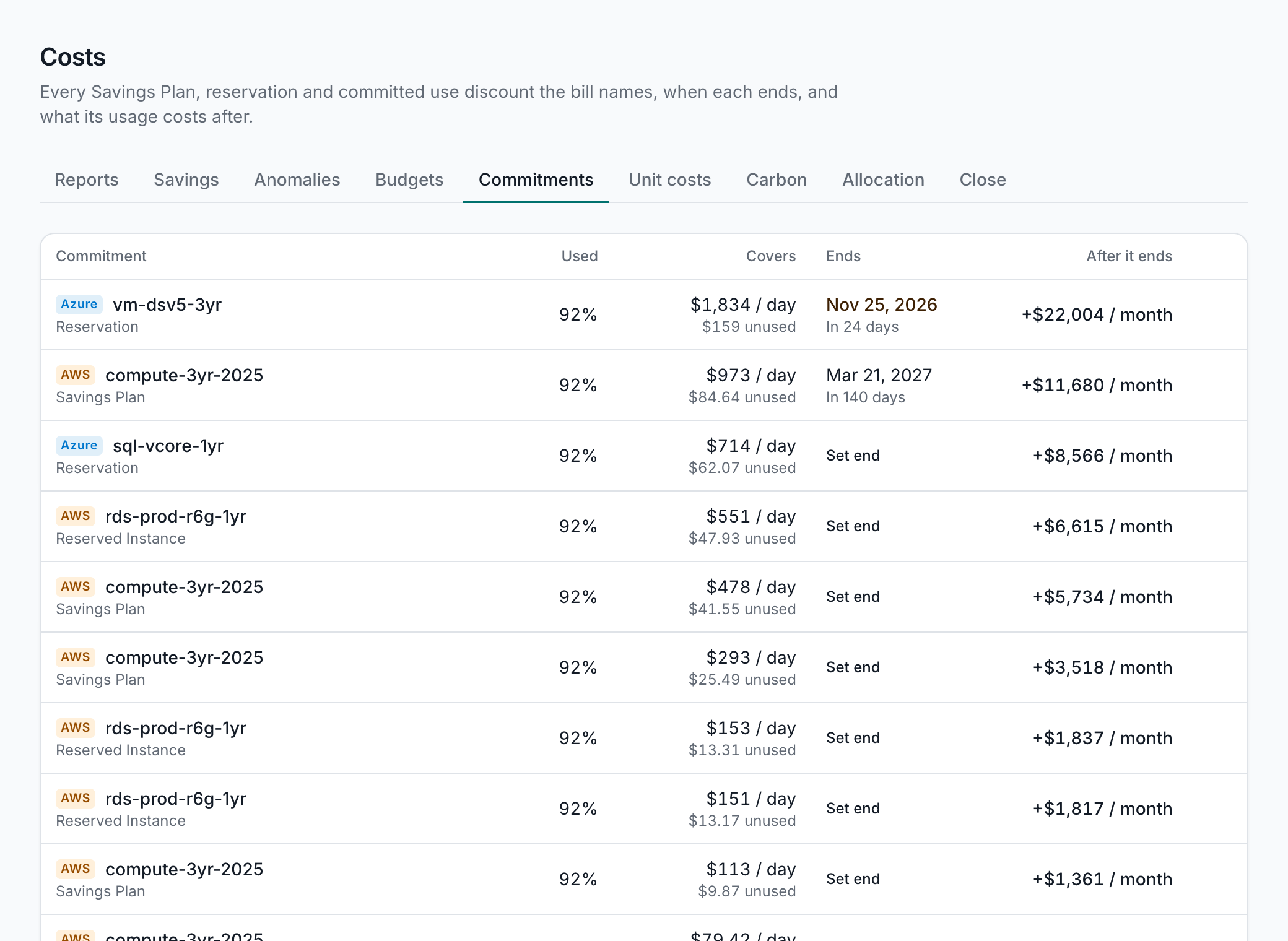
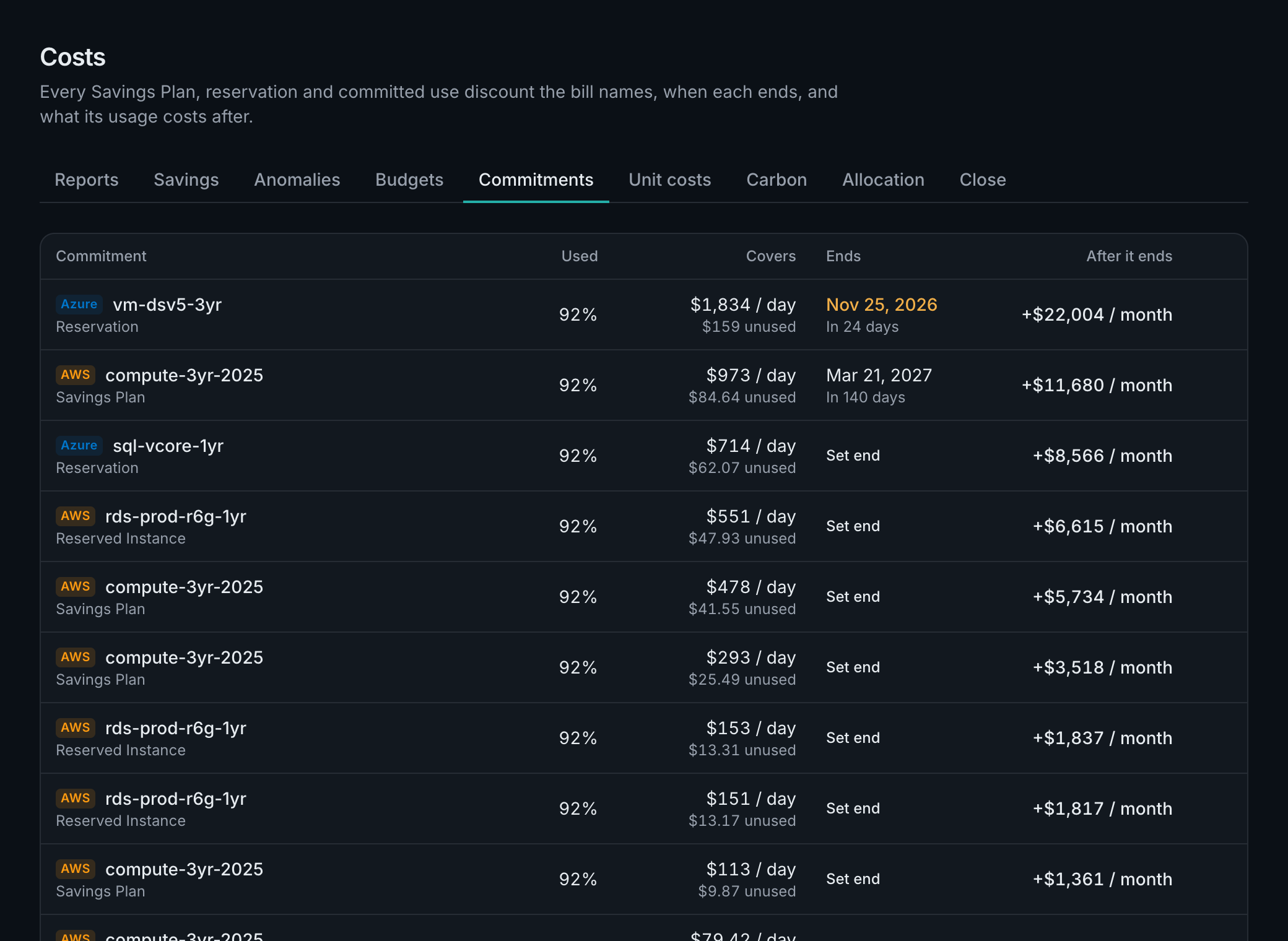
Spend commitments are contracts to spend an amount each year with a provider. Enter one with what counts toward it, and each contract year burns down against its pace, with a forecast; admins are alerted when a year is forecast more than 2% short.
Unit costs
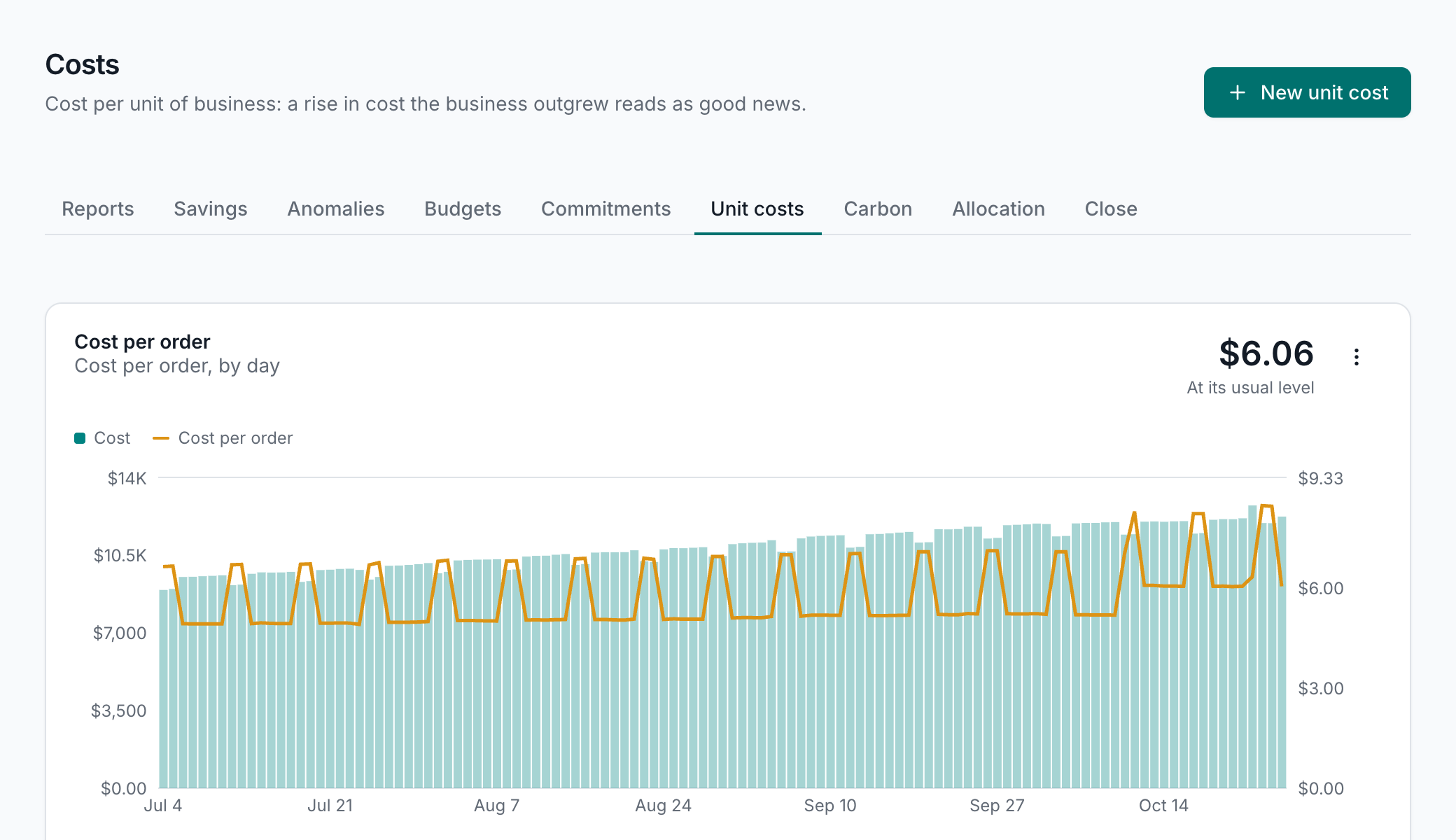
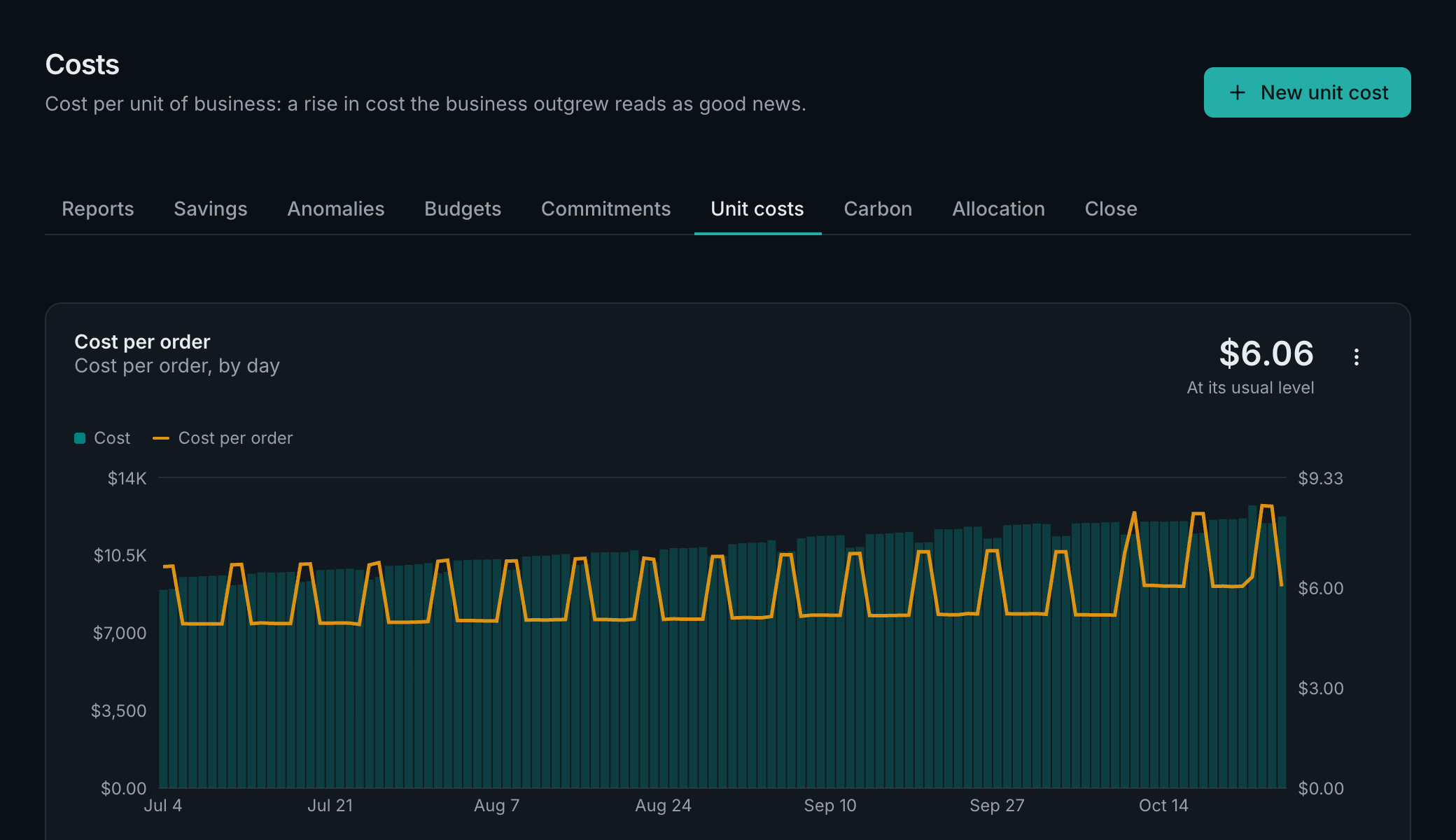
Business metrics are numbers your business counts, such as orders, active customers or revenue, by day or by month, entered or pasted as CSV. Revenue can be kept to admins. A unit cost divides a cost center's cost, or any report's cost, by a metric: cost per order, or for revenue, cloud cost as a share of it. Admins are alerted when a unit cost passes its target, or rises 20% over its usual level, so a rise in cost that the business outgrew reads as the good news it is.
Carbon
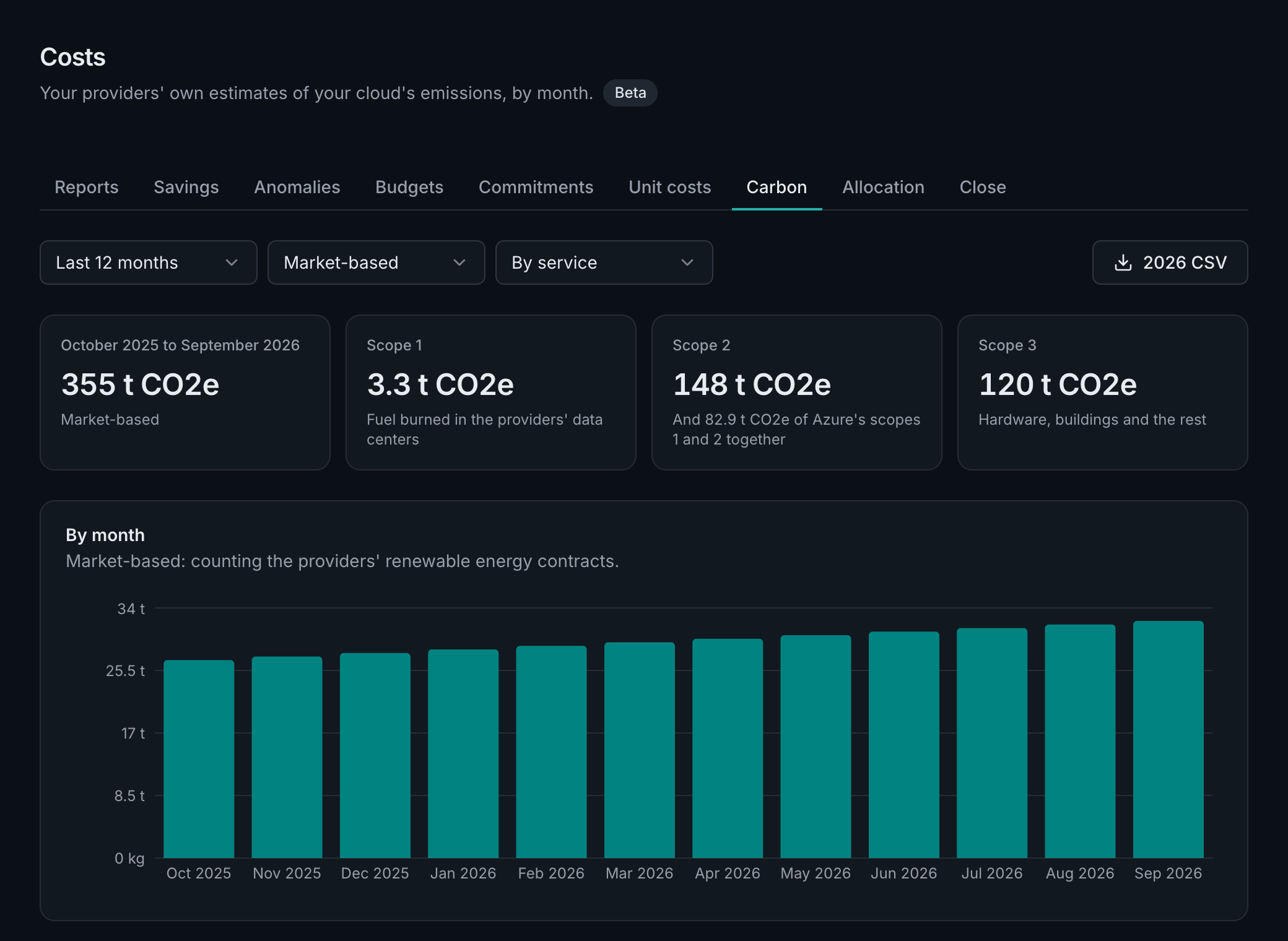
Each cost source can also read its provider's own estimate of your emissions, by month: AWS's Sustainability service, Google Cloud's Carbon Footprint export, Azure's Carbon Optimization. The Carbon tab shows them by service, account, region and cost center, location- or market-based, with each provider's method and a yearly CSV for your sustainability report. They're the providers' estimates, published two to three weeks after each month; Carbon is in beta on every plan.
In business reviews and the assistant
Business reviews can split cost by cost center and add an Allocation section, show savings the bill confirmed, list commitments ending soon, and show your unit costs. The assistant andAI clients read all of this as you, within what you can see.